


Description
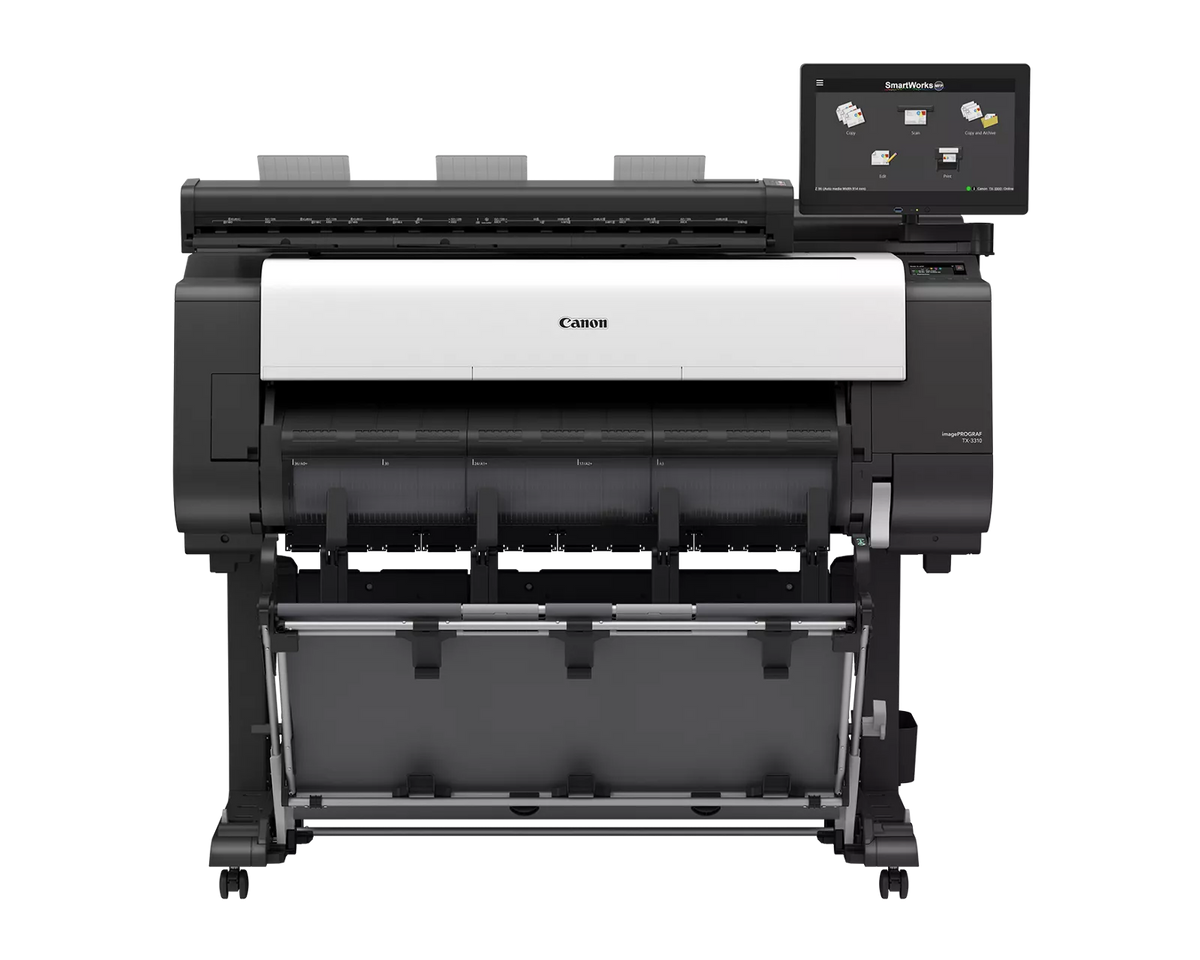
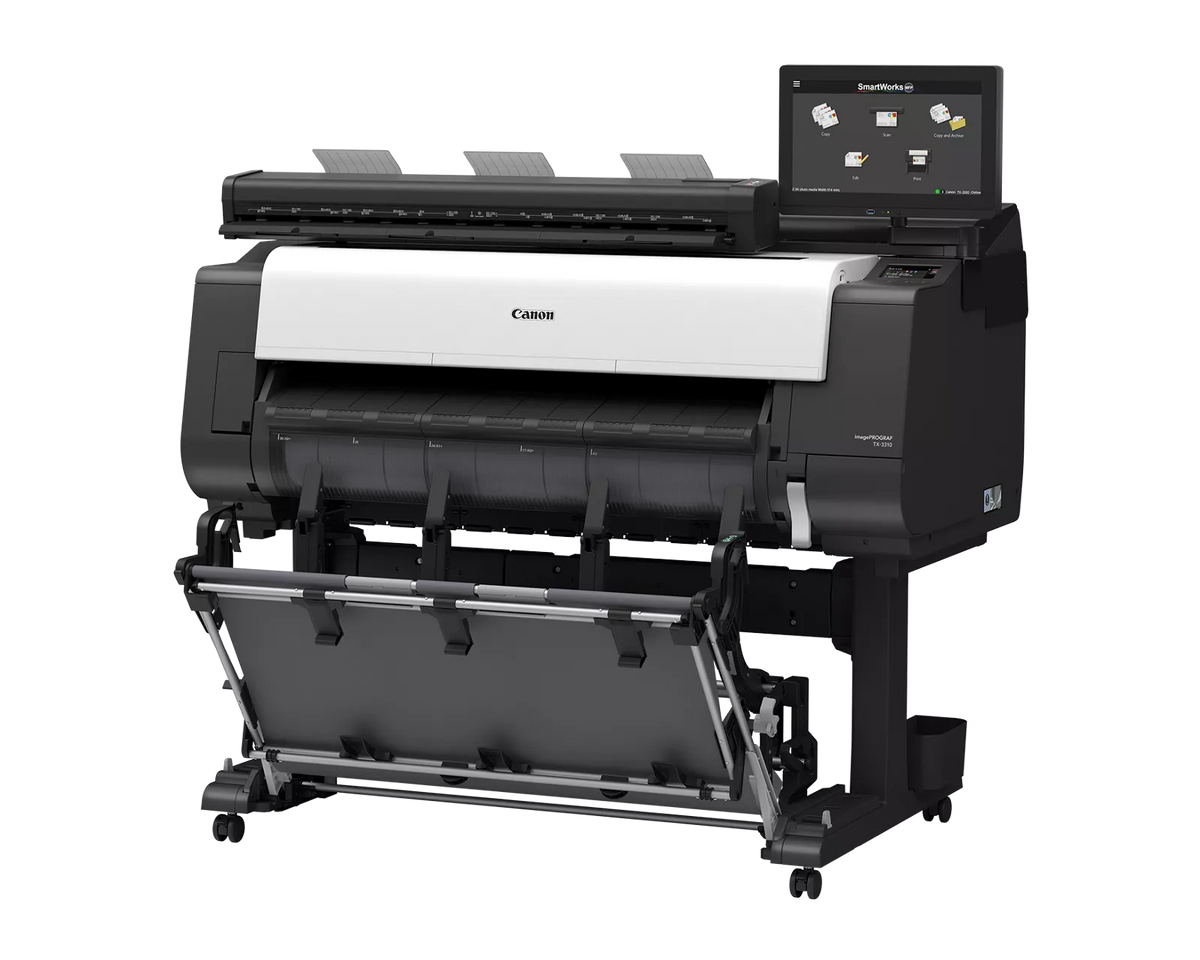
The Canon imagePROGRAF TX-3310 MFP Z36 is a 36-inch Canon wide-format printer paired with a 36-inch Z36 scanner, so architecture, engineering, and construction teams can print, scan, and copy large drawings from one system. Canon rates printing at up to 3.3 ARCH D prints per minute and the scanner at up to 1200 dpi optical resolution.
Canon imagePROGRAF TX-3310 MFP Z36 Quick Facts
- Best for: Offices that print, scan, and copy large CAD drawings from one system
- Width: 36 inches maximum print width and 36 inches maximum scan width
- Ink: 5-color LUCIA TD pigment (MBK, BK, C, M, Y)
- Print speed: Up to 3.3 ARCH D (24 by 36 inches) prints per minute, per Canon
- Scanner: Z36 scanner, 1200 dpi optical, Contact Image Sensor (CIS) technology
- Storage: 256 GB encrypted hard drive
A 36-inch CAD plotter and large-format scanner for redlines, as-builts, and check sets
- Scan, copy, and print from one system. The Z36 scanner ships with a mount for the printer, and Canon says it adds high-volume scanning without sacrificing additional space.
- Fast monochrome scanning. Canon lists 13 inches per second in monochrome and 3 inches per second in color at 200 dpi, with a 15.6-inch touchscreen controller.
- Scan to file, copy, or email. SmartWorks MFP software handles scan-to-copy, file, and email with a real-time image viewer, and supports TIFF, JPEG, and PDF.
- Long scans and thicker originals. The Z36 scans up to 164 feet as PDF, 315 inches as JPEG, or 598 inches as TIFF, and takes media up to 1.0 mm thick.
- Less downtime. Canon says hot-swap ink tanks and user-installable printheads and maintenance cartridges help keep downtime low.
- Faster check sets. Canon rates printing at up to 3.3 ARCH D prints per minute, measured after the first print in Fast Q5 mode on plain paper.
- Second roll or take-up reel. The optional multifunction roll unit adds a second roll of media or works as a take-up reel for continuous printing.
Who this is not for: The TX-3310 MFP Z36 prints and scans up to 36 inches wide, and the scanner is a separate unit with its own system controller. If you only print and never scan, look at the TX-3300.
Not sure an MFP is the right fit for your drawing sizes and volume? Call TAVCO at 866-254-8590 before you buy and we'll help you sort out the fit.
Canon imagePROGRAF TX-3310 MFP Z36 Specifications
| Attribute | Value |
|---|---|
| Printing | |
| Printer type | 36-inch large-format technical documents printer with Z36 scanner |
| Maximum output width | 36 inches |
| Ink type | Pigment: Matte Black (MBK), Cyan (C), Magenta (M), Yellow (Y), Black (BK), LUCIA TD |
| Maximum print speed | 3.3 ARCH D (24 by 36 inches) prints per minute* |
| Maximum print resolution | 2400 x 1200 dpi |
| Technology | FINE (Photolithography Inkjet Nozzle Engineering) |
| Line accuracy | 0.1% or less** |
| Minimum line weight | 0.02 mm (theoretical, based on data resolution) |
| Printhead | PF-06 |
| Number of nozzles | Matte black: 5,120; other colors: 2,560 per color |
| Droplet size / nozzle pitch | 5 picoliter / 1200 dpi x two rows |
| Nozzle recovery | Non-firing nozzle detection and compensation |
| Printer controller | L-COA PRO |
| Print languages | SGRaster, HP-GL/2, HP RTL, PDF, JPEG, CALS G4 |
| Z36 scanner | |
| Maximum scan width / media width | 36 inches / 38 inches |
| Maximum resolution | 1200 dpi (optical) |
| Scan speed (200 dpi) | 24-bit color: 3 inches per second; 8-bit grayscale and monochrome: 13 inches per second*** |
| Copy speed (200 dpi) | 24-bit color: 6 inches per second |
| Scan accuracy | +/- 0.1%, +/- 1 pixel**** |
| Maximum scan length | 164 feet (PDF); 315 inches (JPEG); 598 inches (TIFF) |
| Media thickness | 0.003 to 0.04 inch (0.07 mm to 1.0 mm) |
| Digital imaging technology | Contact Image Sensor (CIS), SingleSensor assembly, 24-bit RGB, 16-bit grayscale capture, bi-directional LED light system |
| Color space | sRGB |
| Included software | SmartWorks MFP Scan-to-Copy/File/Email with Real-time Image Viewer; supports TIFF, JPEG, and PDF |
| Scanner operating system | Windows 11 Enterprise LTSC (x64) |
| Scanner interface kit | 3x USB 3.2 and 1x USB 2.0 rear, 1x USB 3.2 front, all type A |
| Scanner power consumption | Controller: approx. 35W; sleep: approx. 0.2W; idle: approx. 12.4W; scanning color/grayscale at 200 dpi: approx. 22.7W/23.3W |
| Scanner operating environment | 10 to 35°C, 10% to 90% RH, non-condensing |
| Ink | |
| Ink supply method | Tubing system with sub-tanks for continuous ink supply |
| Shipped with printer | 330ml MBK; 160ml each of C, Y, M, BK |
| Replacement: matte black | PFI-113 (160ml) / PFI-313 (330ml) / PFI-713 (700ml) |
| Replacement: magenta | PFI-111 (160ml) / PFI-311 (330ml) / PFI-711 (700ml) |
| Replacement: black, cyan, yellow | PFI-110 (160ml) / PFI-310 (330ml) / PFI-710 (700ml) |
| Media handling | |
| Media feed | Roll feed: one roll, front-loading, front output |
| Media width | Roll feed: 6 to 36 inches; cut sheet: 6 to 36 inches |
| Printable margins | Roll feed: 0.12 inch (3 mm) on all sides, or 0 for borderless |
| Borderless widths (roll only) | Custom roll width 6 to 36 inches with Micro Margin Technology |
| Maximum print length (single page) | Roll feed: 59 feet (18 m); cut sheet: 63 inches (1.6 m); varies by application, OS, and RIP |
| Media cutter | Automatic horizontal rotary cutter |
| Media thickness (printing) | 0.07 mm to 0.8 mm |
| Media core sizes | 2-inch core with 3-inch core adapters included |
| Maximum roll outer diameter | 6.7 inches (170 mm) |
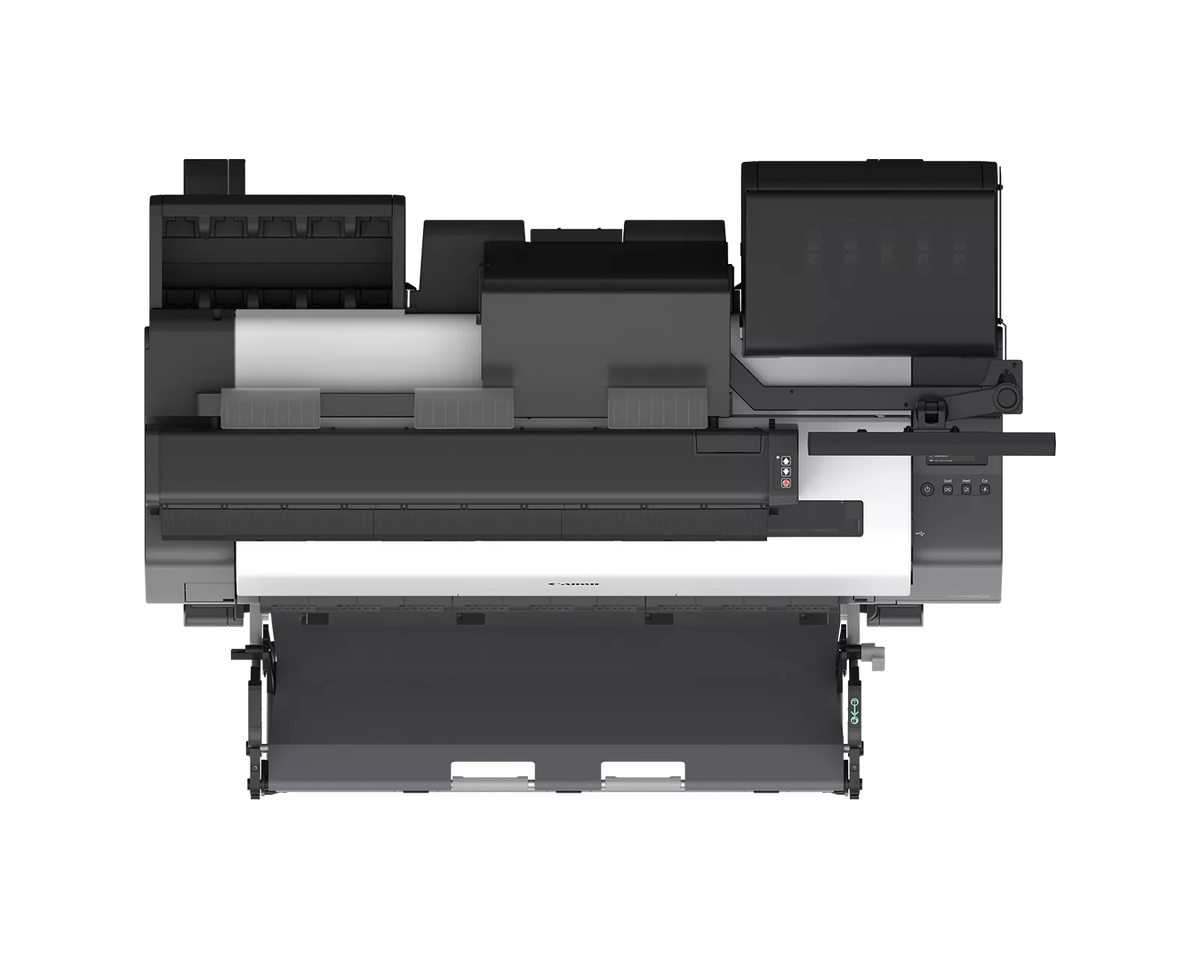
| Media output options | TX Stacker; multipositional flat stacking basket***** |
| Options | Multifunction roll system (RU-34); 2-inch/3-inch roll holder set (RH2-34) |
| Hardware | |
| Memory | 2 GB physical |
| Hard drive | 256 GB (encrypted) |
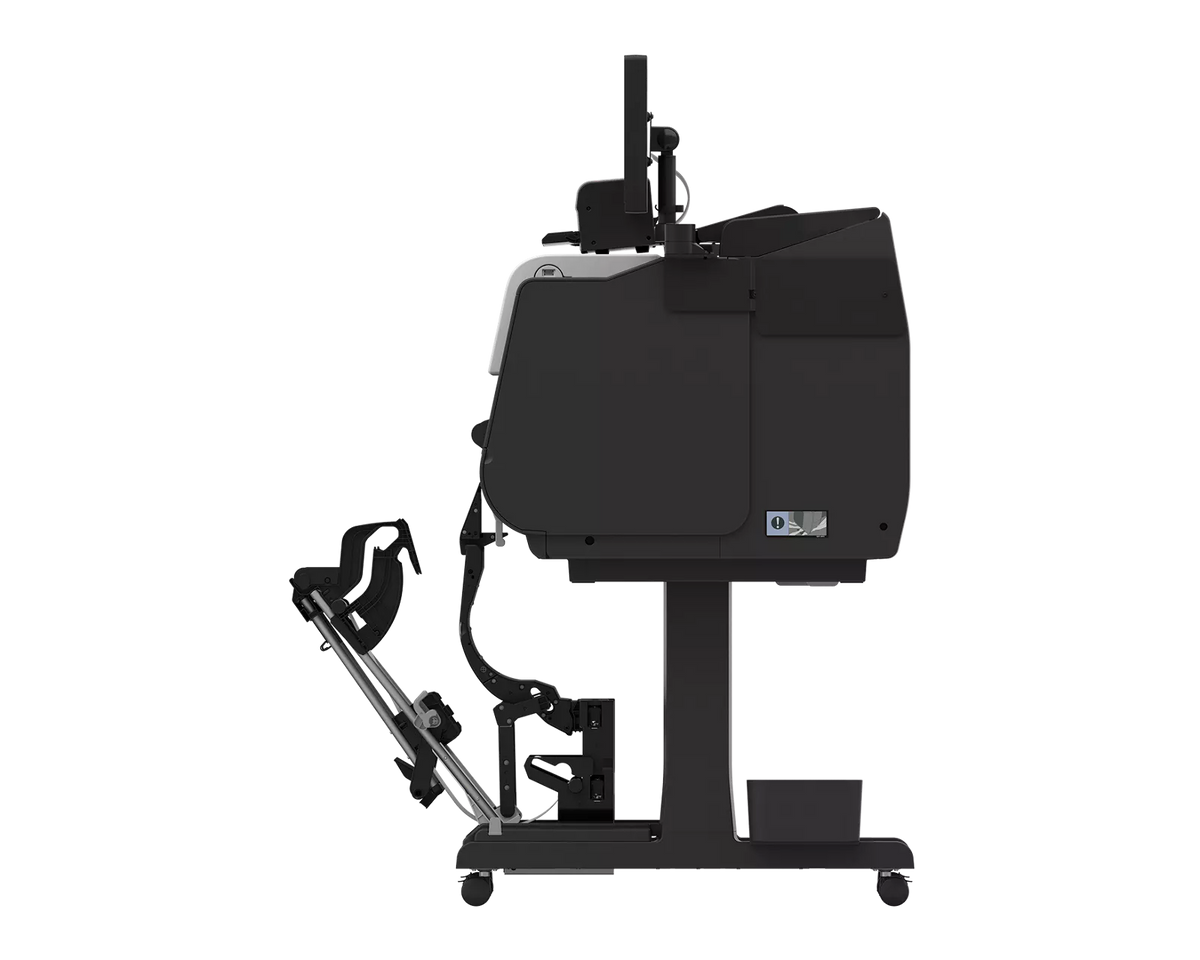
| Printer dimensions (approx., W x D x H) | Basket open: 54.7 x 41.1 x 46 inches; basket closed: 54.7 x 30.2 x 46 inches; stacker opened: 54.7 x 46.8 x 46 inches; stacker closed: 54.7 x 44.2 x 46 inches |
| Printer weight (approx.) | With basket: 242.5 lbs; with stacker: 253.5 lbs |
| Acoustic noise (approx.) | Operation: 51 dB(A); standby: 35 dB(A) |
| Printer power consumption | Maximum: approx. 83W; standby: approx. 1.7W; power off: approx. 0.1W |
| Printer operating environment | 59 to 86°F; relative humidity 10% to 80% (non-condensing) |
| Connectivity and software | |
| Built-in connectivity | USB B port (Hi-Speed USB), USB A port (USB drive), Gigabit Ethernet (100/1000Base-T), Wi-Fi (IEEE 802.11 n/g/b) |
| Operating systems (printer) | Windows 7, 8.1, 10 (32/64-bit), Windows 11 (64-bit), Windows Server 2008R2, 2012, 2012R2, 2016, 2019, 2022 (64-bit), macOS v10.15.7 to macOS 14 |
| Printing software and utilities | Accounting Manager, Canon Print Service, Canon Production Printing (CPP) Driver Select, CPP PRISMA Tech Suite, Device Management Console, Direct Print Plus, Free Layout Plus, driver, Media Configuration Tool, PosterArtist, Quick Utility Toolbox |
| Certifications | |
| Environmental | ENERGY STAR certified, EPEAT 1.0 Gold |
*Canon measures print speed after the first print in Fast Q5 mode on plain paper, based on internal testing. Speed varies with the number of copies and the size, type, and orientation of the paper.
**Canon says line accuracy repeatability is guaranteed after a user performs the necessary adjustment under the same environmental conditions, and applies to line-drawing media only (plain paper, coated paper, CAD translucent matte film, and CAD tracing paper).
***Canon says scan rate is proportional across the supported resolutions, actual scan times depend on host system performance, and quoted top speeds may be limited by USB 2 bandwidth and are not guaranteed for all media types. ****Scan accuracy may vary with the operating environment and media thickness. *****Canon lists the multipositional flat stacking basket as expected to be available in Q4 2026.
The TX-3310 MFP Z36 system contains multiple components, some made by third parties. Canon says any limited warranties that come with those components pass to the purchaser.
Frequently Asked Questions
How wide can the Canon imagePROGRAF TX-3310 MFP Z36 print and scan?
The Canon imagePROGRAF TX-3310 MFP Z36 prints up to 36 inches wide, and its Z36 scanner scans up to 36 inches wide. Canon lists a 38-inch maximum media width for scanning. Roll and cut-sheet media for printing run from 6 to 36 inches wide.
How fast does the Canon imagePROGRAF TX-3310 MFP Z36 print and scan?
Canon rates the imagePROGRAF TX-3310 MFP Z36 at up to 3.3 ARCH D (24 by 36 inches) prints per minute, measured after the first print in Fast Q5 mode on plain paper. Canon lists scan speeds of 13 inches per second in monochrome and 3 inches per second in color at 200 dpi, and a color copy speed of 6 inches per second.
What scan software and formats does the Canon imagePROGRAF TX-3310 MFP Z36 support?
The Canon imagePROGRAF TX-3310 MFP Z36 includes SmartWorks MFP software for scan-to-copy, file, and email, with a real-time image viewer. It supports TIFF, JPEG, and PDF. Canon lists 1200 dpi optical resolution, and the maximum scan length is 164 feet for PDF, 315 inches for JPEG, and 598 inches for TIFF.
What comes in the box with the Canon imagePROGRAF TX-3310 MFP Z36?
The Canon imagePROGRAF TX-3310 MFP Z36 printer box includes the main unit, a TX Stacker or multipositional flat stacking basket, a stand, one printhead, a starter ink tank set, and an installed maintenance cartridge. The scanner box includes the Z36 scanner, a 15.6-inch system controller, a USB 3.0 cable, a mount for the printer and controller, edge guides, return guides, and a calibration target.
How does the Z36 scanner connect on the Canon imagePROGRAF TX-3310 MFP Z36?
The Z36 scanner on the Canon imagePROGRAF TX-3310 MFP Z36 uses a 15.6-inch system controller with type A USB ports: three USB 3.2 and one USB 2.0 on the rear, plus one USB 3.2 on the front. Canon lists the scanner operating system as Windows 11 Enterprise LTSC (x64). Some system components are made by third parties, and their limited warranties pass to the purchaser.
What ink does the Canon imagePROGRAF TX-3310 MFP Z36 use?
The Canon imagePROGRAF TX-3310 MFP Z36 uses a five-color LUCIA TD pigment ink set and ships with a 330ml matte black tank and 160ml tanks of each other color. Replacement tanks come in 160ml and 330ml sizes: PFI-113 or PFI-313 for matte black, PFI-111 or PFI-311 for magenta, and PFI-110 or PFI-310 for black, cyan, and yellow. Canon lists a 700ml size for service authorized partners only.
How is the Canon imagePROGRAF TX-3310 MFP Z36 different from the TX-3300?
Compared with the TX-3300, the Canon imagePROGRAF TX-3310 MFP Z36 adds a 36-inch Z36 scanner with a 15.6-inch controller. Canon lists the two models on one spec sheet with the same printer specifications, including up to 3.3 ARCH D prints per minute and a 256 GB encrypted hard drive. The TX-3300 has no scanner.
Texas Service and Support
TAVCO has sold and serviced Canon imagePROGRAF and HP DesignJet printers since 1984, and is an authorized Canon dealer based in Hutto, Texas. We provide onsite service within roughly 200 miles of Austin, including San Antonio, Greater Houston, Dallas, Waco, Bryan-College Station, Corpus Christi, and Victoria. Service plans are flat-rate with no click charges, we service equipment regardless of where it was purchased, and we ship equipment and supplies nationwide.
Payment & Security
Your payment information is processed securely. We do not store credit card details nor have access to your credit card information.