


Description
*Additional shipping charges apply
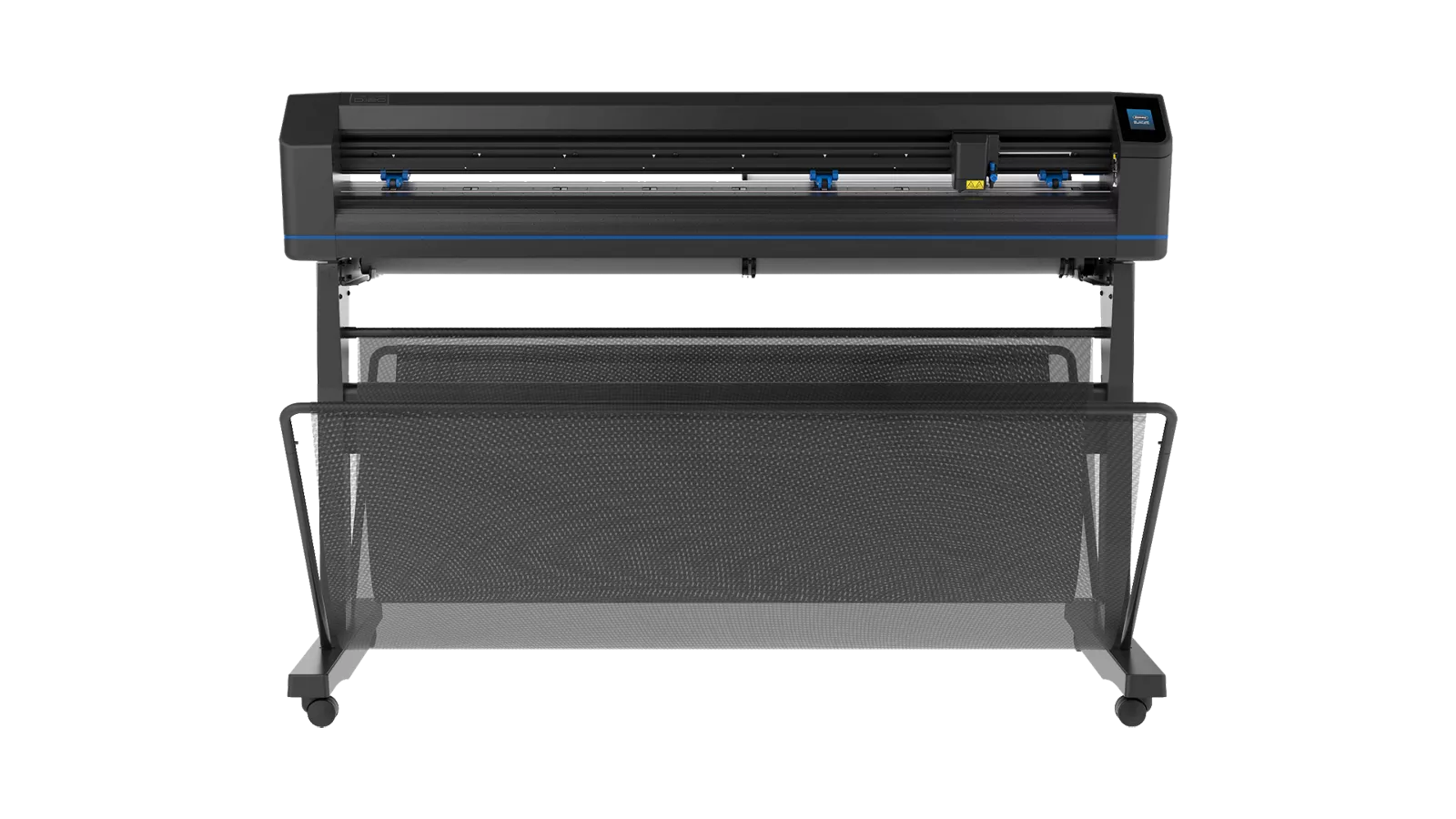
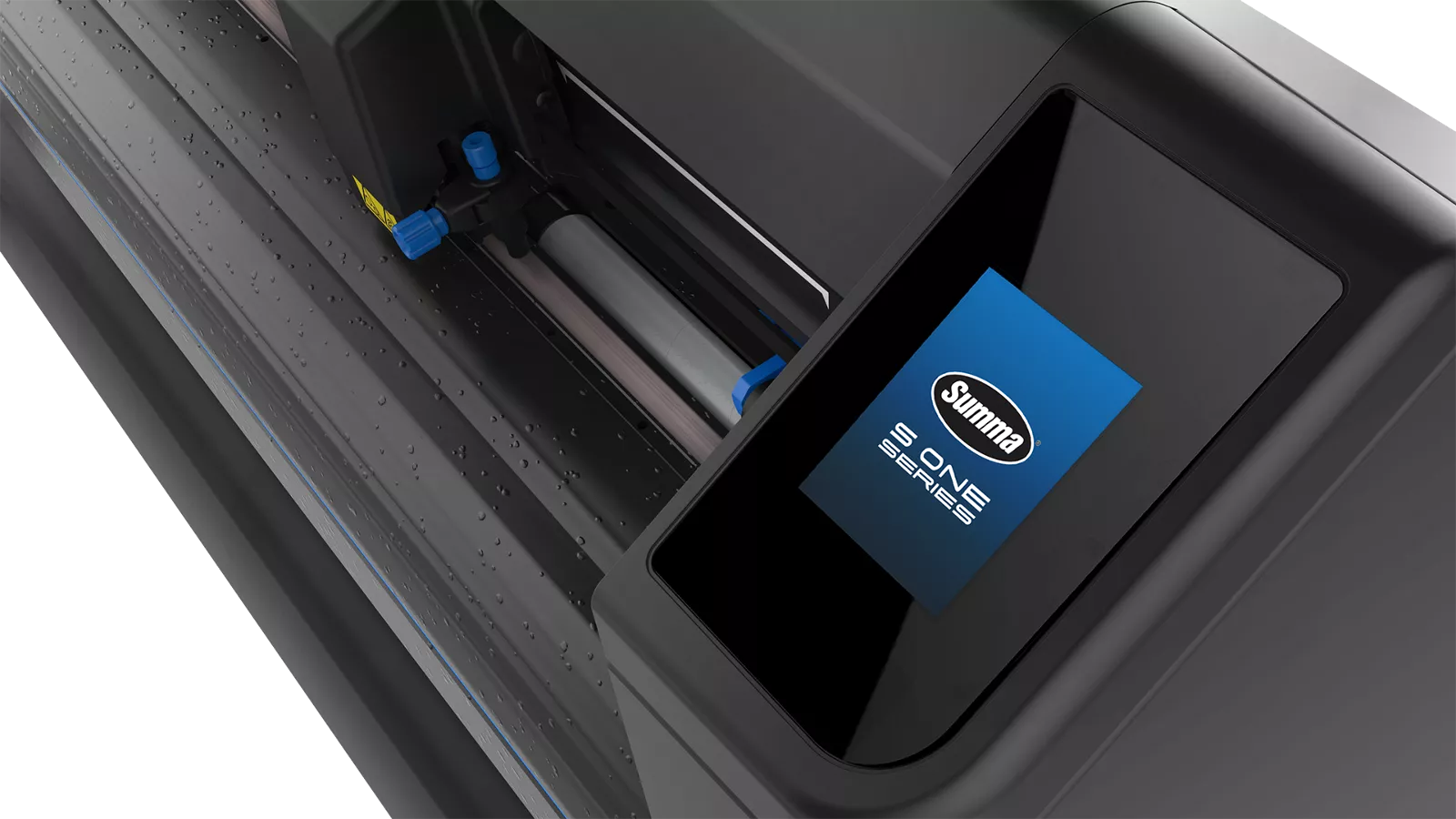
The 48" Summa S One D120 is a wide-format drag-knife roll cutter built for sign, graphics, and display production, bundled with ColorByte ImagePrint R.E.D. and Summa GoSign software to pair directly with Canon imagePROGRAF large-format printers.
The D120 is the widest model in Summa's S One Series, handling media from 5.3 to 53.1 inches with a 48.6-inch standard working width, enough to contour cut full-width output from a 44-inch or 48-inch imagePROGRAF printer without splitting jobs. A third pinch roller adds grip across that extra width, keeping media tracking straight through long production runs. Cutting speeds reach 44 ips diagonal with acceleration up to 3 G.
For sign shops, print providers, and reprographics firms producing vehicle graphics, floor decals, window clings, banners, and large-format point-of-purchase displays, the D120 removes the width ceiling that forces jobs out to a trade finisher. Compatible Canon media includes adhesive vinyl, durable matte film, luster, and repositionable peel-n-stick.
Why choose the Summa S One D120:
- 48.6" standard working width — Contour cuts full-width output from 44" and 48" wide-format printers in a single pass
- Three pinch rollers — Added media grip across the full width for straighter tracking on long runs
- OPOS X optical registration — Reads up to 2 × 64 marks on the X-line with Y-line compensation for accurate contour cutting
- Barcode job recognition — Loads the correct cut file automatically for unattended multi-job roll processing
- FlexCut cut-through capability — Delivers finished pieces without a separate trimming operation
- ImagePrint R.E.D. included standard — Nesting and kiss-cutting workflow from ColorByte ships with every D120
Summa S One D120 Specifications
| Specification | 48" Summa S One D120 | Professional Benefit |
|---|---|---|
| Model | S One D120 | Widest configuration in the Summa S One Series |
| Cutting Technology | Drag Knife | Industry-standard method with widely available knives and consumables |
| Media Width | 5.3 in to 53.1 in | Handles 48" and 54" roll stock common in sign and display production |
| Max. Working Width (Oversized Mode*) | 48.6 in × 1968 in / 51 in × 1968 in (+/2.36 in) | Full-width contour cutting without splitting large graphics |
| Pinch Rollers | 3 | Extra grip point across the wider path for straighter media tracking |
| Speed | Up to 44 ips diagonal | Keeps finishing from becoming the bottleneck behind a busy printer |
| Acceleration | Up to 3 G diagonal | Faster throughput on intricate contours with many direction changes |
| Accuracy | 0.2% of move or 0.010 in (0.254 mm), whichever is greater | Predictable tolerances for decals, die lines, and registered graphics |
| Knife Pressure | Up to 600 grams | Enough force for heavier films and cut-through applications |
| Media Thickness | 0.002 in to 0.010 in; 0.010 in with optional sandblast knife | Covers standard vinyl, films, and optional sandblast stencil material |
| Alignment / Registration | OPOS X · OPOS Xtra · Barcode job recognition · Up to 2 × 64 marks on X-line · Y-line compensation | Automated contour cutting on printed graphics with minimal operator input |
| Tracking Performance | 26 ft max. (media under 30 in); 13 ft max. (media over 30 in) | Defines guaranteed run length before re-registration on wide media |
| Other Features | FlexCut (cutting through) | Finished pieces come off the cutter ready to ship or apply |
| Connectivity | Ethernet, USB, WiFi | Drops into wired or wireless production networks without added hardware |
| Bundled Software | ColorByte ImagePrint R.E.D. · Summa GoSign | Nesting, kiss cutting, design plug-ins, and custom workflows included |
| Dimensions (W × D × H) | 63.6 × 27.7 × 43.8 in | Plan dedicated floor space with clearance front and rear for media feed |
| Power Requirements | 100-240 VAC, 50/60 Hz | Standard wall outlet — no dedicated circuit required |
*In "Oversized" mode, the tracking performance is no longer guaranteed. Specifications published by Canon U.S.A. and subject to change by the manufacturer.
Quick Selection Guide
- Best for full-width sign production: Summa S One D120 (48.6" working width, 3 pinch rollers, 53.1" max media)
- Best for vehicle graphics and wraps: Summa S One D120 (contour cuts large panels without splitting the file)
- Best for shops running 44" or 48" printers: Summa S One D120 (matches full imagePROGRAF output width)
- Best for floor graphics and POP displays: Summa S One D120 with FlexCut (finished pieces, no trim step)
- Best for narrower decal and label work: Summa S One D60 (24" model, 3.2" minimum media, compact benchtop footprint)
48" Summa S One D120 Frequently Asked Questions
Quick Answer: The D120 accepts media 5.3 to 53.1 inches wide with a 48.6-inch standard working width, or 51 inches in Oversized mode.
What size media can the Summa S One D120 cut?
The D120 handles roll and sheet media from 5.3 inches up to 53.1 inches wide. Standard maximum working width is 48.6 inches × 1968 inches. Oversized mode adds roughly 2.36 inches for a 51-inch × 1968-inch cutting area, though tracking performance is no longer guaranteed in that mode. That 48.6-inch standard width covers full output from 44-inch and 48-inch imagePROGRAF printers without splitting a graphic across two passes.
Quick Answer: The D120 cuts up to 48.6 inches wide with three pinch rollers; the D60 cuts up to 23.2 inches with two and accepts narrower 3.2-inch media.
What's the difference between the Summa S One D60 and D120?
Working width is the main difference. The D120 handles media 5.3 to 53.1 inches with a 48.6-inch standard cutting width and three pinch rollers; the D60 handles 3.2 to 26 inches with a 23.2-inch cutting width and two rollers. Cutting speed (44 ips diagonal), acceleration (3 G), knife pressure (600 g), accuracy, OPOS X registration, FlexCut, and connectivity are identical across both. The D60's 3.2-inch minimum media width also makes it the better fit for narrow label stock, while the D120 requires a minimum of 5.3 inches. Footprint differs substantially: 63.6 × 27.7 × 43.8 inches for the D120 versus 38.2 × 16 × 12 inches for the D60.
Quick Answer: Yes — ColorByte ImagePrint R.E.D. and Summa GoSign are both bundled with the S One D120 at no additional cost.
Does the Summa S One D120 come with cutting software?
Both packages ship standard. Summa GoSign manages cutting workflows with automated cutting options, custom configurations, and plug-ins for common design programs. ColorByte ImagePrint R.E.D. adds nesting, kiss cutting, and high-speed contour cutting designed to cut manual setup time between printing and finishing. On wide-format work, nesting matters more than it does at 24 inches, packing more pieces per square foot of vinyl directly reduces material cost per job.
Quick Answer: OPOS X optically reads printed registration marks so the cutter follows the printed contour rather than a fixed coordinate path.
How does OPOS X registration work on wide printed graphics?
OPOS (Optical POsitioning System) X uses a sensor to locate printed registration marks, then compensates for skew, stretch, or misalignment introduced during printing or loading. The D120 reads up to 2 × 64 marks along the X-line and applies Y-line compensation, important on 48-inch media, where even small drift accumulates into a visible offset across the width. Barcode job recognition lets the cutter identify and load the correct file automatically, so an operator can print a roll of mixed jobs and let the cutter sort them.
Quick Answer: Guaranteed tracking is 13 feet on media wider than 30 inches and 26 feet on media under 30 inches.
How long a run can the D120 track accurately?
Summa specifies 26 feet maximum within guaranteed specifications for media less than 30 inches wide, and 13 feet for media larger than 30 inches. Since most D120 work runs on wide media, plan production around the 13-foot figure for jobs that require full registration accuracy end to end. Longer runs are physically possible, the maximum working length is 1968 inches, but tracking falls outside guaranteed specification. Segmenting long jobs with fresh registration marks is the usual approach.
Quick Answer: FlexCut cuts completely through the media so finished pieces separate from the sheet with no trimming step.
What is FlexCut and when would I use it?
FlexCut is Summa's cut-through function. Rather than kiss cutting, where the blade scores only the vinyl and leaves the liner intact, FlexCut passes through the full material so the piece separates from the sheet. On a 48-inch machine, that means shaped signage, hang tags, POP displays, and large die-cut graphics come off finished. The D120's 600 g maximum knife pressure supports cut-through on media up to 0.010 inches thick.
Quick Answer: Canon adhesive vinyl, durable matte film, luster, and repositionable peel-n-stick are all compatible with the S One D120.
What Canon media works with the Summa S One D120?
Canon lists adhesive vinyl, durable matte film, luster, and repositionable peel-n-stick among compatible media, along with other options in the imagePROGRAF media portfolio. Any media should fall within the D120's 0.002 to 0.010 inch thickness range and 5.3 to 53.1 inch width range. For application-specific work, outdoor vehicle graphics, textured floor vinyl, removable window film, TAVCO can help match printer, media, and cutter settings before you commit to a full roll.
Quick Answer: Plan for a 63.6 × 27.7 × 43.8 inch unit with clearance front and rear, a standard wall outlet, and an Ethernet, USB, or WiFi connection.
How much space do I need to install a Summa S One D120?
The unit measures 63.6 inches wide, 27.7 inches deep, and 43.8 inches tall, so it needs dedicated floor space rather than a benchtop. Allow clearance in front and behind for media to feed and exit freely on long runs; this is the most common oversight in shops upgrading from a 24-inch cutter. Power is standard 100-240 VAC, 50/60 Hz. Connect by Ethernet, USB, or WiFi to a workstation running the bundled GoSign and ImagePrint R.E.D. software. TAVCO provides installation and operator training throughout Texas.
Texas Wide-Format Finishing Experts: TAVCO has supported Texas sign shops, print providers, and reprographics firms since 1984 with large-format printing, scanning, and finishing equipment. Our technicians handle site evaluation, installation, operator training, media consultation, and ongoing service across Austin, Dallas, Houston, San Antonio, Corpus Christi, Bryan-College Station, Waco, and Victoria. Call 866-254-8590 or email info@tavco.net for quotes, bundle pricing with a Canon imagePROGRAF printer.
Payment & Security
Your payment information is processed securely. We do not store credit card details nor have access to your credit card information.