


Description
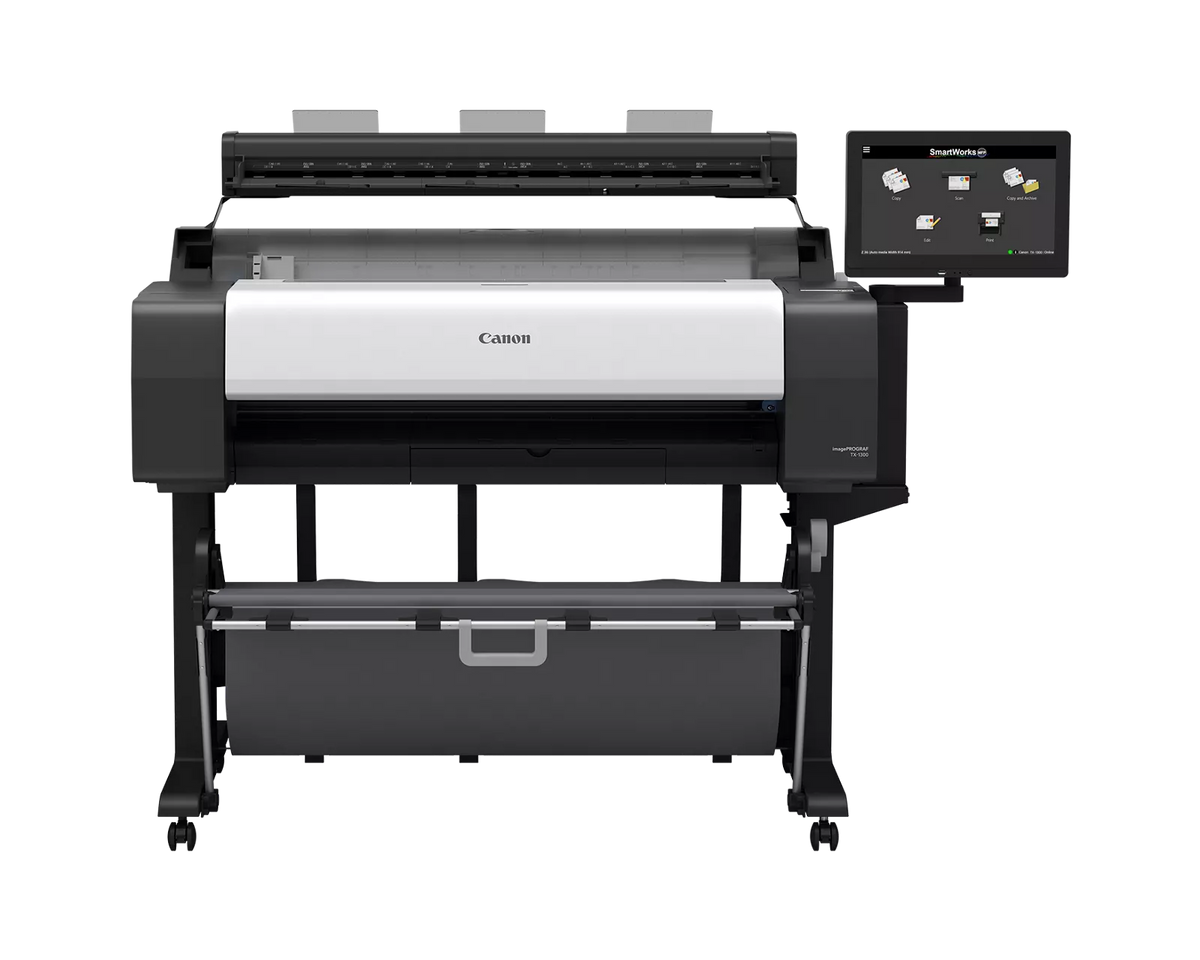
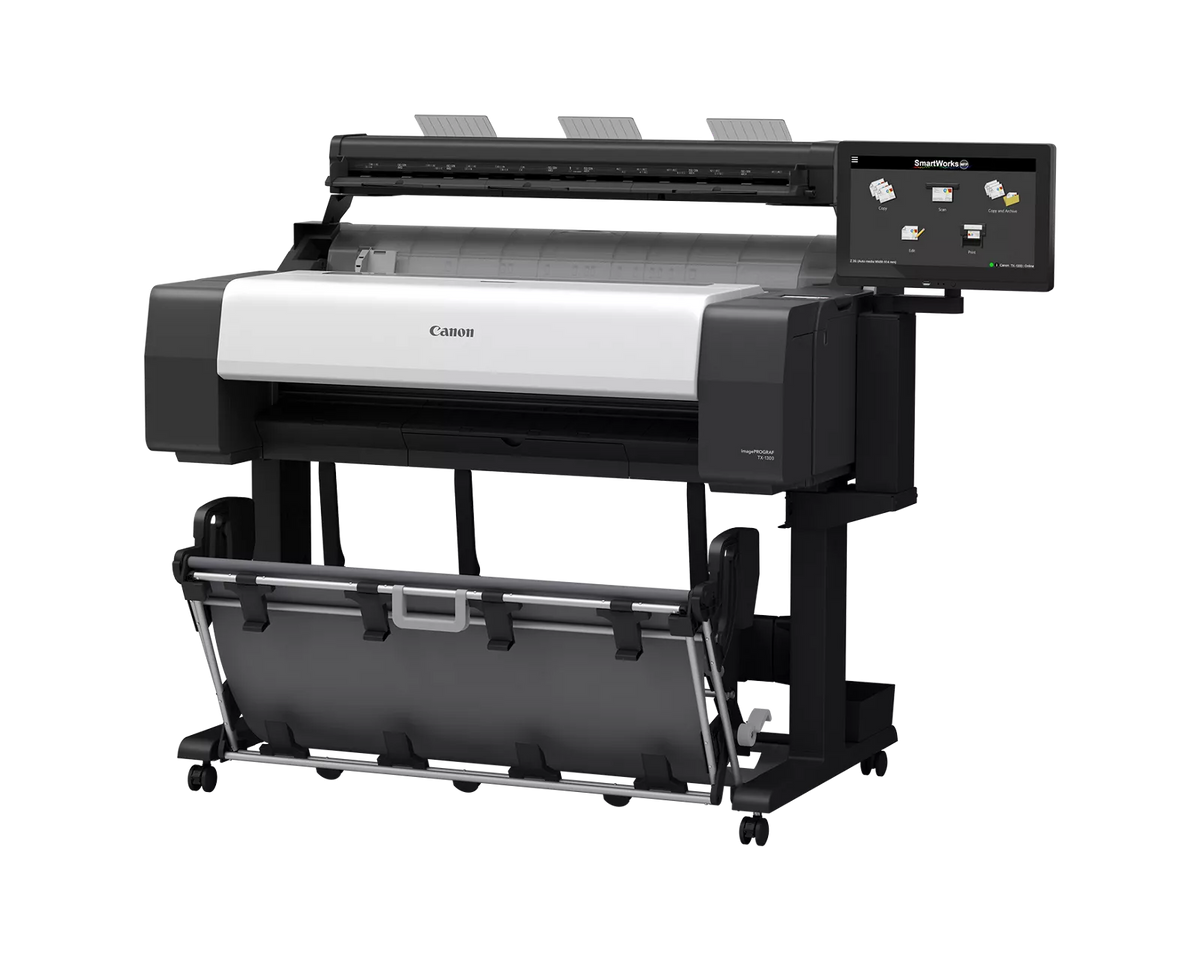
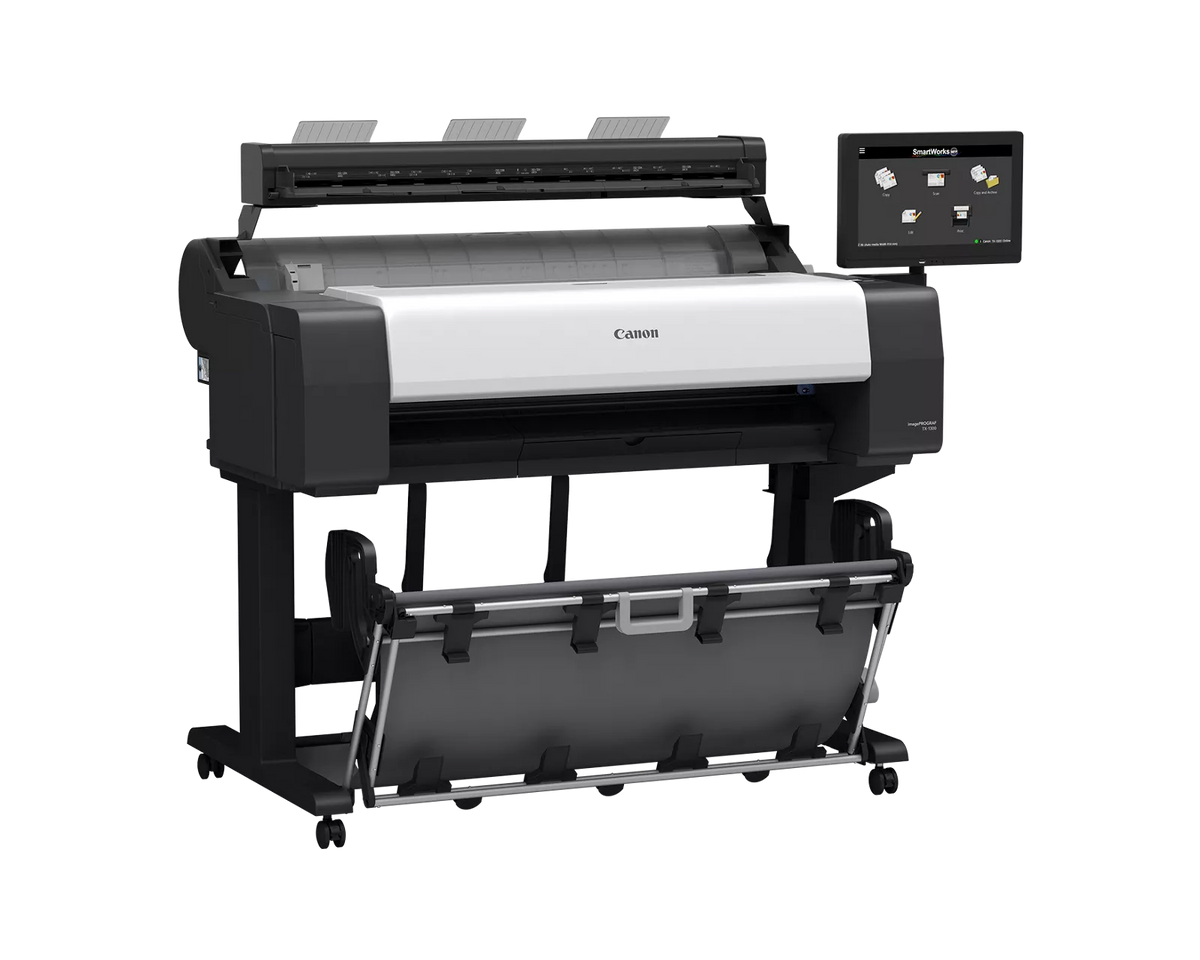
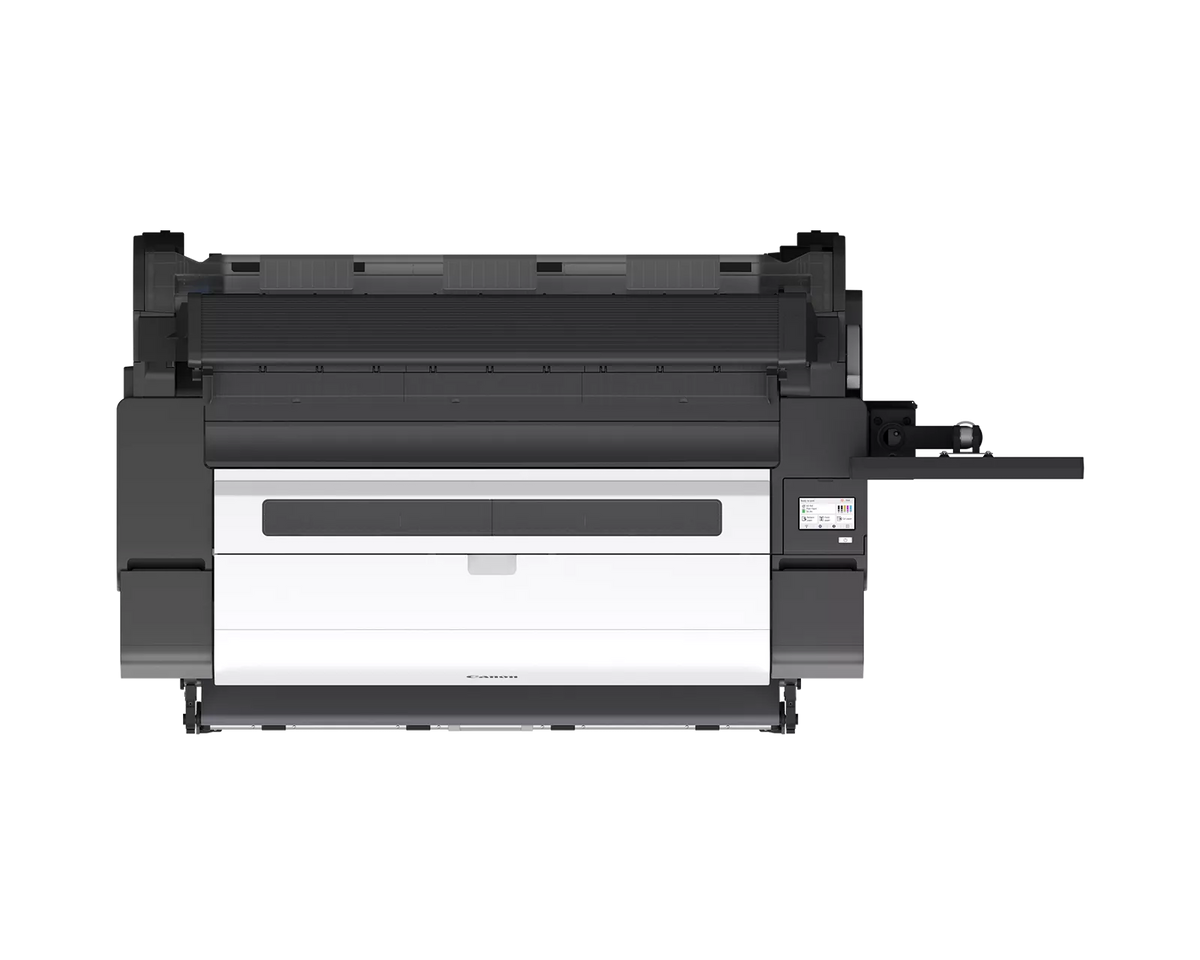
The Canon imagePROGRAF TX-1300 MFP Z36 is a 36-inch Canon wide-format printer paired with a 36-inch Z36 scanner, so architecture, engineering, and construction teams can print, scan, and copy large drawings from one system. Canon rates printing at up to 3.2 ARCH D prints per minute and lists the scanner at up to 1200 dpi.
Canon imagePROGRAF TX-1300 MFP Z36 Quick Facts
- Best for: Offices that print, scan, and copy large CAD drawings from one system
- Width: 36 inches maximum print width and 36 inches maximum scan width
- Ink: 5-color LUCIA TD pigment (MBK, BK, C, M, Y)
- Print speed: Up to 3.2 ARCH D (24 by 36 inches) prints per minute, per Canon
- Scanner: Z36 scanner, up to 1200 dpi, Contact Image Sensor (CIS) technology
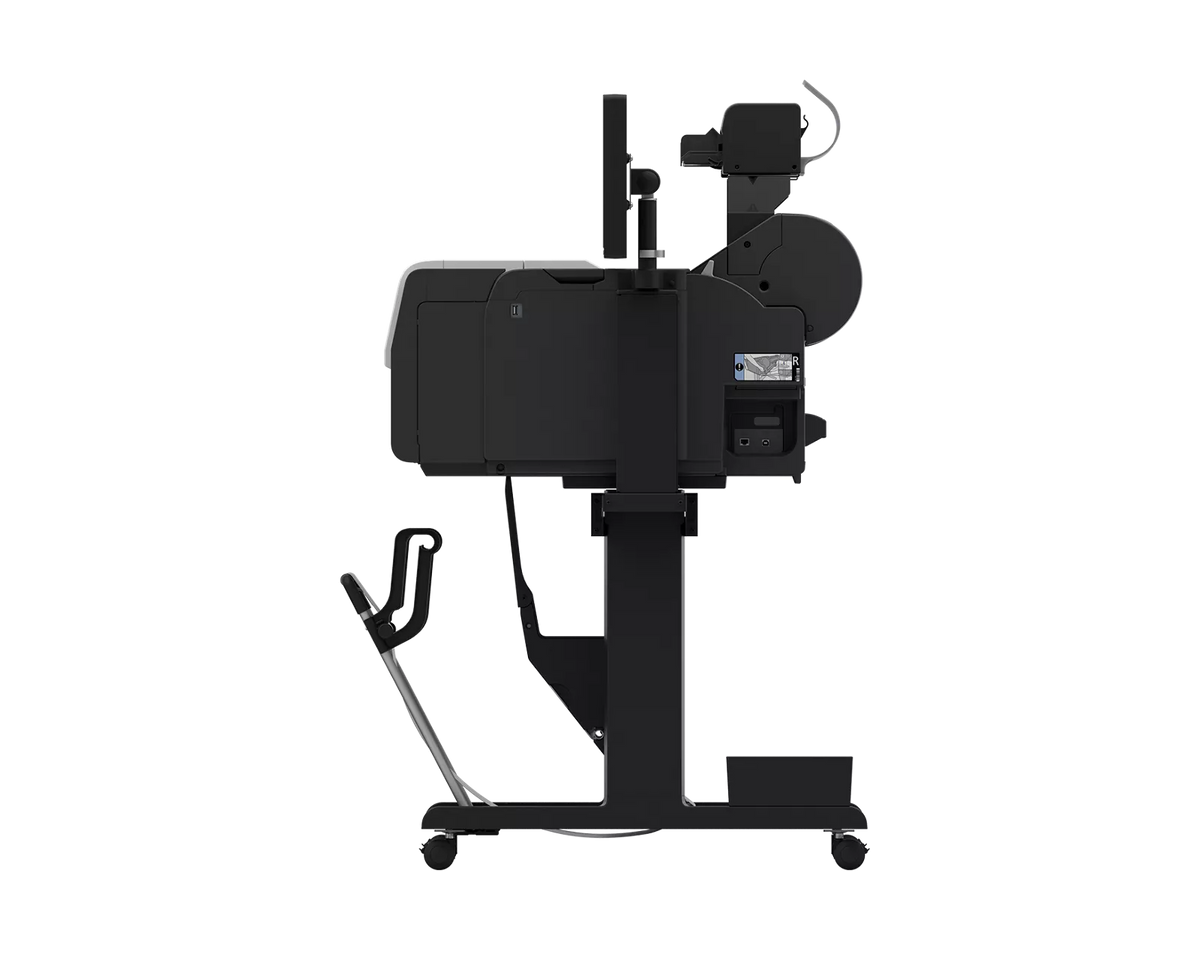
- Connectivity: USB 2.0 Hi-Speed, direct USB thumb drive, Gigabit Ethernet, Wi-Fi (IEEE 802.11 b/g/n)
A 36-inch CAD plotter and large-format scanner for redlines, as-builts, and check sets
- Scan, copy, and print from one system. The Z36 scanner ships with a mount for the printer, and Canon says it adds high-volume scanning without sacrificing additional space.
- Fast monochrome scanning. Canon lists up to 13 inches per second in monochrome and 3 inches per second in color at 200 dpi, with a 15.6-inch touchscreen controller.
- Scan to file, copy, or email. SmartWorks MFP software handles scan-to-copy, file, and email with a real-time image viewer, and supports TIFF, JPEG, and multi-page PDF.
- Long scans and thicker originals. The Z36 scans up to 315 inches (PDF, JPEG) or 598 inches (TIFF) and takes media up to 1.0 mm thick.
- Faster check sets. Canon rates printing at up to 3.2 ARCH D prints per minute, measured after the first print in Fast Q5 mode on plain paper.
- Crisper print lines. Canon says the reformulated matte black ink gives sharper lines and text.
- Larger tanks. It ships with 130ml matte black and 90ml color tanks, and replacement tanks come in 130ml and 300ml sizes.
Who this is not for: The TX-1300 MFP Z36 prints and scans up to 36 inches wide, and the scanner is a separate unit that connects over USB. If you only print and never scan, the 36-inch TM-610 prints up to 36 inches wide too.
Not sure an MFP is the right fit for your drawing sizes and volume? Call TAVCO at 866-254-8590 before you buy and we'll help you sort out the fit.
Canon imagePROGRAF TX-1300 MFP Z36 Specifications
| Attribute | Value |
|---|---|
| Printing | |
| Printer type | 36-inch technical documents large-format printer with Z36 scanner |
| Maximum output width | 36 inches |
| Ink type | Pigment: Matte Black (MBK), Cyan (C), Magenta (M), Yellow (Y), Black (BK), LUCIA TD |
| Maximum print speed | 3.2 ARCH D (24 by 36 inches) prints per minute* |
| Printhead | PF-06 |
| Number of nozzles | Matte black: 5,120; other colors: 2,560 per color |
| Droplet size | 5 picoliter |
| Print languages | SGRaster, HP-GL/2, HP RTL, JPEG, PDF, CALS G4 |
| Media handling | |
| Media feed | Roll feed: one roll, top-loading, front output |
| Media width | Roll feed: 8 to 36 inches; cut sheet: 8 to 36 inches |
| Media cutter | Automatic horizontal cutting (rotary cutter), standard |
| Media thickness | 0 to 0.03 inch (0.07 mm to 0.8 mm) |
| Media core sizes | 2-inch core standard; 2-inch/3-inch roll holder set (RH2-35) included |
| Maximum roll outer diameter | 5.9 inches (150 mm) |
| Media output | Flat stacking basket |
| Z36 scanner | |
| Maximum scan width / media width | 36 inches / 38 inches |
| Maximum resolution | 1200 dpi |
| Scan speed (200 dpi) | 24-bit color: 3 inches per second; 8-bit grayscale and monochrome: 13 inches per second** |
| Copy speed (200 dpi) | 24-bit color: 6 inches per second |
| Scan accuracy | +/- 0.1%, +/- 1 pixel*** |
| Maximum scan length | 315 inches (PDF/JPEG); 598 inches (TIFF) |
| Media thickness | 0.003 to 0.04 inch (0.07 mm to 1.0 mm) |
| Digital imaging technology | Contact Image Sensor (CIS), SingleSensor assembly, 24-bit RGB color capture, 16-bit grayscale capture, bi-directional LED light system |
| Color space | sRGB |
| Included software | SmartWorks MFP Scan-to-Copy/File/Email with Realtime Image Viewer; supports TIFF, JPEG, and multi-page PDF |
| Scanner interface | SuperSpeed USB 3.0 (compatible with USB 2.0 and USB 3.0 sockets) |
| Scanner operating system | Windows 11 Enterprise LTSC (x64) |
| Scanner dimensions / weight (approx.) | 42 x 10 x 7 inches (W x D x H) / 17.3 lbs |
| Ink tanks | |
| Shipped with printer | 130ml MBK; 90ml each of BK, C, M, Y |
| Replacement: matte black | PFI-323 (300ml) / PFI-123 (130ml) |
| Replacement: black, cyan, yellow | PFI-320 (300ml) / PFI-120 (130ml) |
| Replacement: magenta | PFI-321 (300ml) / PFI-121 (130ml) |
| Hardware | |
| Physical memory | 2 GB |
| Hard disk | 256 GB |
| Printer display | 4.3-inch tilt touchscreen |
| Scanner controller | 15.6-inch touchscreen system controller |
| Printer dimensions (approx., W x D x H) | Basket open: 50.6 x 34.8 x 41.7 inches; basket closed: 50.6 x 30.7 x 41.7 inches |
| Printer weight (approx.) | 149.9 lbs |
| Power consumption (printer) | Max: approx. 69W; standby: approx. 1.6W; power off: approx. 0.06W |
| Operating environment (printer) | 59 to 86°F; relative humidity 10% to 80% (non-condensing) |
| Connectivity and software | |
| Built-in connectivity | USB 2.0 Hi-Speed, direct USB thumb drive, 10/100/1000Base-T/TX, Wireless LAN (IEEE 802.11 b/g/n) |
| Operating systems (printer) | Windows 7, 8.1, 10 (32/64-bit), Windows 11 (64-bit), Windows Server 2008R2, 2012, 2012R2, 2016, 2019, 2022 (64-bit), macOS v10.12.6 to v13x |
| Printing software and utilities | Accounting Manager, Canon Print Service, Canon Production Printing (CPP) Driver Select, CPP PRISMA Tech Suite, Device Management Console, Direct Print Plus, Free Layout Plus, driver, Media Configuration Tool, PosterArtist, Quick Utility Toolbox |
| Certifications | |
| Environmental | ENERGY STAR certified, EPEAT Gold |
*Canon measures print speed after the first print in Fast Q5 mode on plain paper, based on internal testing. Speed varies with the number of copies and the size, type, and orientation of the paper.
**Canon says scan rate is proportional across the supported resolutions, and quoted top speeds may be limited by USB 2.0 bandwidth and are not guaranteed for all media types. ***Scan accuracy may vary with the operating environment and media thickness.
The TX-1300 MFP Z36 system contains multiple components, some made by third parties. Canon says any limited warranties that come with those components pass to the purchaser.
Frequently Asked Questions
How wide can the Canon imagePROGRAF TX-1300 MFP Z36 print and scan?
The Canon imagePROGRAF TX-1300 MFP Z36 prints up to 36 inches wide, and its Z36 scanner scans up to 36 inches wide. Canon lists a 38-inch maximum media width for scanning. Roll and cut-sheet media for printing run from 8 to 36 inches wide.
How fast does the Canon imagePROGRAF TX-1300 MFP Z36 print and scan?
Canon rates the imagePROGRAF TX-1300 MFP Z36 at up to 3.2 ARCH D (24 by 36 inches) prints per minute, measured after the first print in Fast Q5 mode on plain paper. Canon lists scan speeds of 13 inches per second in monochrome and 3 inches per second in color at 200 dpi, and a color copy speed of 6 inches per second.
What scan software and formats does the Canon imagePROGRAF TX-1300 MFP Z36 support?
The Canon imagePROGRAF TX-1300 MFP Z36 includes SmartWorks MFP software for scan-to-copy, file, and email, with a real-time image viewer. It supports TIFF, JPEG, and multi-page PDF. Canon lists a 1200 dpi maximum resolution, and the maximum scan length is 315 inches for PDF and JPEG and 598 inches for TIFF.
What comes in the box with the Canon imagePROGRAF TX-1300 MFP Z36?
The Canon imagePROGRAF TX-1300 MFP Z36 printer box includes the printer, a stand with a flat stacking basket, starter ink tanks, one printhead, and an installed maintenance cartridge. The scanner box includes the Z36 scanner, a 15.6-inch system controller, a USB 3.0 cable, a mount for the printer and controller, edge guides, return guides, and a calibration target.
How does the Z36 scanner connect on the Canon imagePROGRAF TX-1300 MFP Z36?
The Z36 scanner on the Canon imagePROGRAF TX-1300 MFP Z36 uses a SuperSpeed USB 3.0 interface and a 15.6-inch system controller. Canon lists the scanner operating system as Windows 11 Enterprise LTSC (x64). Canon notes the system has multiple components, some made by third parties, and their limited warranties pass to the purchaser.
What ink does the Canon imagePROGRAF TX-1300 MFP Z36 use?
The Canon imagePROGRAF TX-1300 MFP Z36 uses a five-color LUCIA TD pigment ink set and ships with a 130ml matte black tank and 90ml tanks of each other color. Replacement tanks come in 130ml and 300ml sizes: PFI-123 or PFI-323 for matte black, PFI-120 or PFI-320 for black, cyan, and yellow, and PFI-121 or PFI-321 for magenta.
How is the Canon imagePROGRAF TX-1300 MFP Z36 different from the TM-610M?
The Canon imagePROGRAF TX-1300 MFP Z36 uses a separate Z36 scanner with a 1200 dpi maximum resolution and a 15.6-inch controller, while the TM-610M has an integrated scanner at 600 dpi and a 5-inch touchscreen. Canon lists a 256 GB hard disk for the TX-1300 MFP Z36. Both print up to 36 inches wide.
Texas Service and Support
TAVCO has sold and serviced Canon imagePROGRAF and HP DesignJet printers since 1984, and is an authorized Canon dealer based in Hutto, Texas. We provide onsite service within roughly 200 miles of Austin, including San Antonio, Greater Houston, Dallas, Waco, Bryan-College Station, Corpus Christi, and Victoria. Service plans are flat-rate with no click charges, we service equipment regardless of where it was purchased, and we ship equipment and supplies nationwide.
Payment & Security
Your payment information is processed securely. We do not store credit card details nor have access to your credit card information.