Quick Summary
The Problem: Paper markups and digital files create two versions of the truth on job sites.
The Fix: HP Build Workspace puts cloud version control directly on the plotter panel.
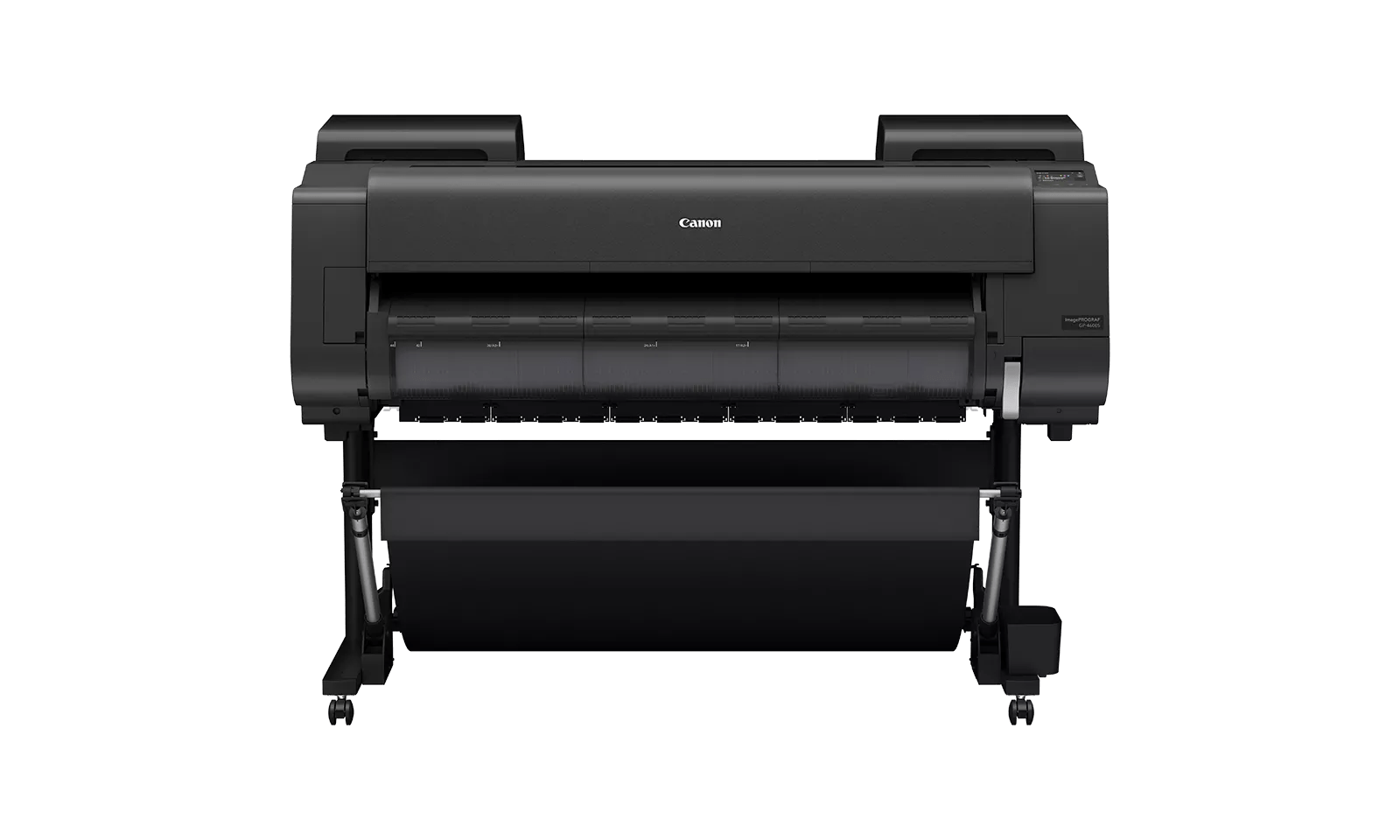
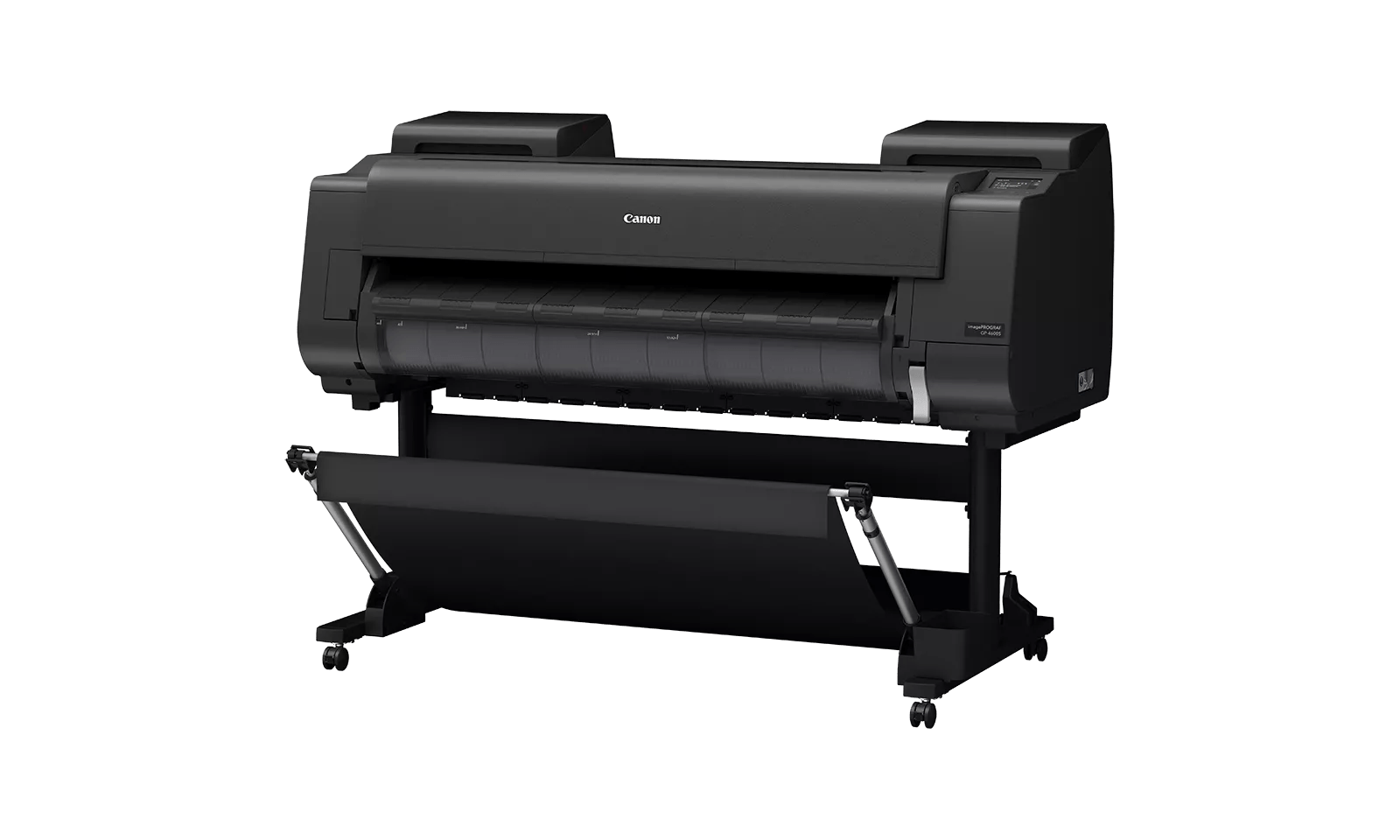
The Devices: New T1600 Plotter Series and T2600 MFP Series Plus Edition | Build Connected.
The Payoff: Scan to cloud, vectorize to CAD, and confirm the current revision by QR code, all from the device.
For years, the gap between paper drawings and digital files has been a constant headache on job sites. Someone marks up a print by hand, and now there are two versions of the truth.
Which one is current? Who has the latest revision? Field teams have patched this problem with email chains and shared drives for a decade, and it still costs projects time and money.
HP just closed that gap directly at the plotter. HP Build Workspace, HP's cloud platform for construction teams, is no longer a separate step in the workflow.
With the new HP DesignJet T1600 Plotter Series Plus Edition and T2600 MFP Series Plus Edition | Build Connected, scanning, vectorizing, and version control are built right into the panel.
A Shared Home for Your Drawings
Build Workspace gives your team one place to upload, store, and track construction drawings in the cloud. Instead of "FINAL_v3_REAL_FINAL" files scattered across inboxes, everyone works from a single shareable source.
Revisions are tracked automatically, so your team, field crews, and subs can all confirm they are working with the right version before they cut, pour, or install anything.
Three Capabilities Built Into the Panel
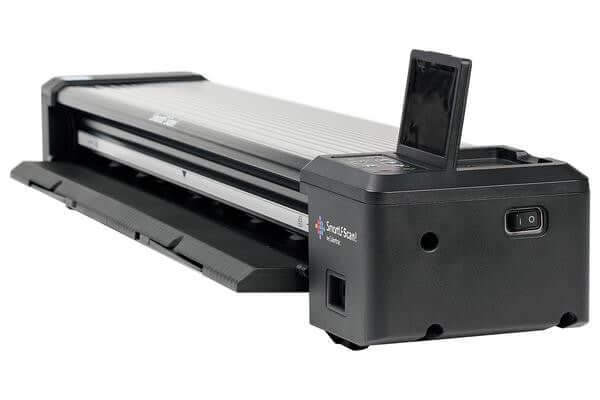
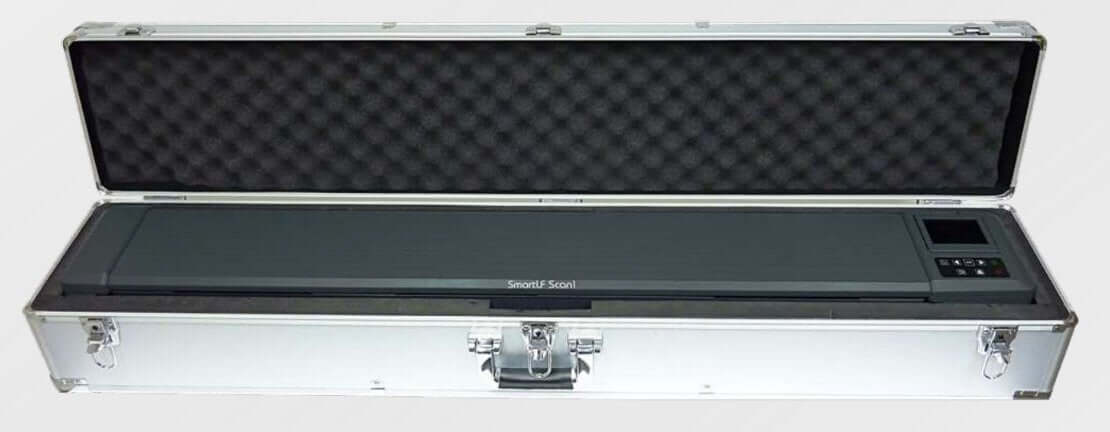
The T2600 MFP Plus Edition | Build Connected scans a paper drawing directly from the front panel into Build Workspace. No separate scanning software, no extra file transfer step. The plotter becomes the on-ramp to your cloud drawing set.
Every scan is tied to a QR code, so anyone in the field can scan the code on a printed sheet and instantly confirm whether they are holding the current revision or an outdated one. That single feature addresses one of the most common and costly mistakes in construction: building from the wrong set of plans.
Need a scanned drawing converted into an editable CAD file? The same devices handle that too. HP's AI Vectorization technology, built into Build Workspace, turns raster scans into structured DXF files your team can open and edit directly in CAD.
Built-In Value From Day One
HP's internal testing shows time savings of up to 80 percent from AI Vectorization compared to manual redrafting. Every new T2600 MFP Plus Edition | Build Connected includes a year of Build Workspace access plus 20 vectorization tokens a month, so your team can start converting drawings the day it is installed.
The T1600 and T2600 Get the New Platform Built In
This is not a bolt-on accessory. The T1600 Plotter Series and T2600 MFP Series Plus Edition were built around this connected workflow from the panel up.
The T2600 handles the full loop: scanning to the cloud, vectorization, and version control. The T1600 focuses on fast, accurate PDF printing with the same Plus Edition build quality, so single-function print teams still benefit from the platform upgrades even without the scanner.
Because Build Workspace lives in the cloud, it keeps getting better. Every platform update is effectively a free upgrade to a device you have already paid for. The plotter you buy today keeps gaining capability over time.
✅ Cloud-Connected Workflow
Scan, vectorize, and version-control drawings from the panel. One source of truth, confirmed by QR code in the field.
❌ Paper-and-Email Workflow
Markups tracked by hand, files renamed across shared drives, and no way to confirm which revision a crew is holding.
Frequently Asked Questions
Q: What is HP Build Workspace?
A: It is HP's cloud platform for construction teams. It stores drawings centrally, tracks revisions automatically, and now integrates directly with the T1600 and T2600 Plus Edition | Build Connected plotters.
Q: Do I need separate scanning or vectorization software?
A: No. The T2600 MFP Plus Edition | Build Connected scans directly into Build Workspace and vectorizes scans into DXF files from the front panel, with no added software step.
Q: Can I get these capabilities without the scanner?
A: Yes. The T1600 Plotter Series Plus Edition delivers fast, accurate PDF printing with the same Plus Edition build quality, so print-only teams still benefit from the platform.
🔑 Key Takeaways
- HP Build Workspace moves version control from email chains to the plotter panel itself.
- QR-coded scans let field crews confirm the current revision on the spot.
- AI Vectorization cuts redrafting time by up to 80 percent, with 20 free tokens a month included.
- The T1600 and T2600 Plus Edition | Build Connected keep improving as HP updates the cloud platform.
Ready to Close the Gap Between Paper and Digital?
Architects, engineers, and contractors have spent decades bridging the gap between paper sets in the field and digital files in the office. If you are running an older DesignJet or a device without cloud integration, let's talk about what the new Plus Edition | Build Connected models could do for your drawing management.