

Key Points (TL;DR)
- SD One: Best for light-volume scanning in small firms or field offices; CIS sensor; starts at $4,585.
- IQ Quattro X: The production workhorse for daily AEC scanning; CIS sensor; starts at $5,623.
- HD Ultra X: Archival and color-critical work; CCD sensor.
- Key Decision: For most AEC drawing workflows, CIS is the right answer. CCD is worth the premium only for archival or color-critical applications.
If you need to digitize blueprints, drawings, maps, or oversized documents, Contex is probably already on your shortlist. The brand has been the de facto standard for large-format scanning in AEC firms, government archives, and engineering departments for over 20 years. The question most buyers ask us is not "should I buy a Contex," but "which one." This guide honestly walks through the three current product families, including where each is the right answer and where it isn't.

What Is a Contex Scanner?
Contex makes large-format scanners that capture wide-width documents (typically 24 to 60 inches) at resolutions from 600 dpi up to 9,600 dpi. The scanners are used wherever an organization needs to convert paper drawings, maps, or oversized images into searchable digital files. Common buyers include architecture, engineering, and construction firms scanning legacy drawings; civil engineering departments digitizing site plans; libraries and government archives preserving historical maps; and GIS departments managing geographic records.
There are three current product families: the SD One, the IQ Quattro X, and the HD Ultra X. Each one targets a different combination of scanning volume, image-quality requirement, and budget. There is also a flatbed model, the IQ Flex, for bound or fragile documents, which we cover briefly below.
The Three Product Families at a Glance
| Family | Best For | Sensor | Width Options |
|---|---|---|---|
| SD One | Light scanning, portable use | CIS | 25", 36" |
| IQ Quattro X | Daily AEC production scanning | CIS | 24", 36", 44" |
| HD Ultra X | Archival, art, color-critical | CCD | 42", 60" |
The price differences reflect both sensor technology and build quality. Below, we break down each family in plain language, including who actually buys them and who shouldn't.
Scanner Family Details
1 SD One: The Entry Point
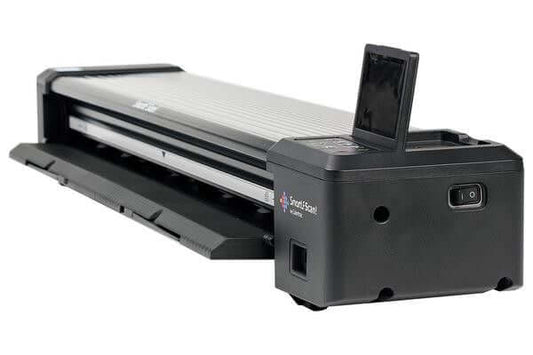
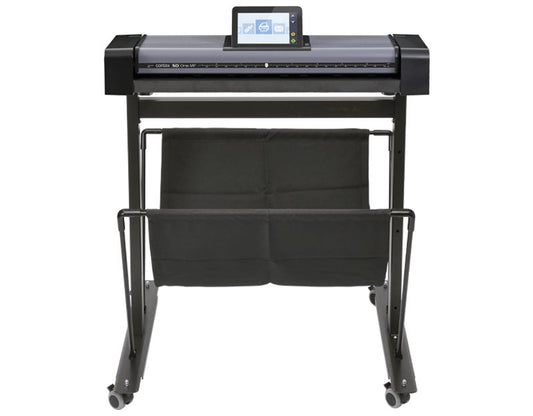
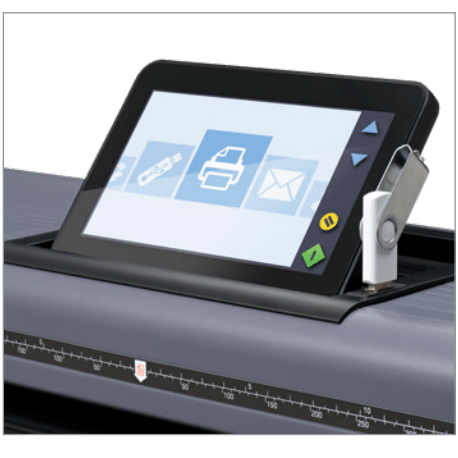
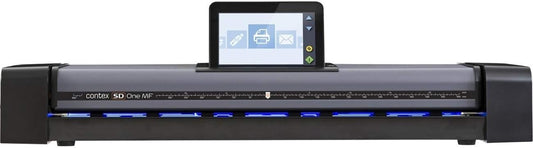
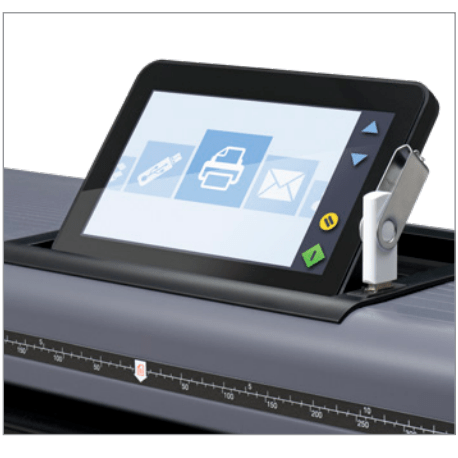
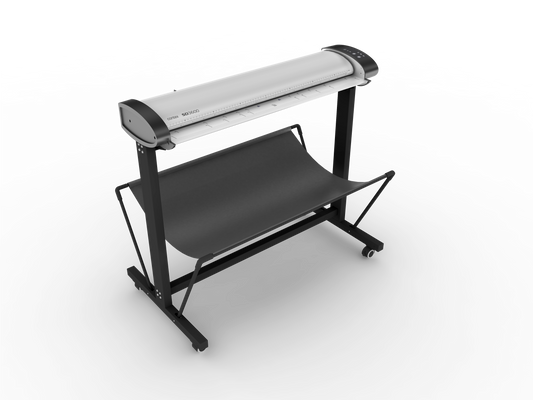
The SD One series is the most affordable line Contex makes. It comes in two configurations: the SD One X (a desktop-class scanner) and the SD One MF, which is the same scanner mounted on a stand, available as either a tabletop bundle or a free-standing bundle with optional storage.
The SD One uses CIS (contact image sensor) technology, which produces clean monochrome and color scans at speeds well suited to occasional scanning. You can scan a 24-inch by 36-inch document in roughly 6 to 8 seconds depending on resolution.
Best for: Architects, small engineering firms, or construction offices that scan a few drawings a week. Departments inside larger firms that need a personal scanner without buying a shared production unit. Field offices and remote teams that need scan capability but don't have the volume to justify higher-tier hardware.
Not the right choice if: You scan more than 20 to 30 drawings a day, or you need archival-grade color reproduction for art, photos, or historical maps. The SD One is built for daily-use practicality, not heavy production or critical color accuracy.
Pricing for the SD One family starts at $4,585 for the SD One X and runs to about $4,900 for the SD One MF with a stand. NextImage scanning software is included.
2 IQ Quattro X: The Production Workhorse
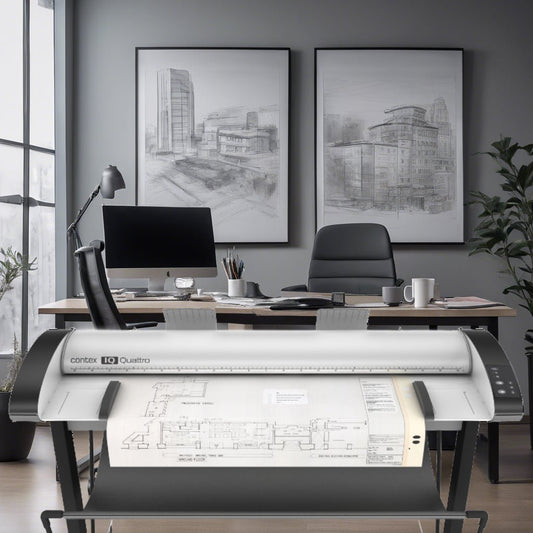
The IQ Quattro X is the model most AEC firms end up with. It is the high-volume CIS scanner in the Contex lineup, designed for daily production scanning. The series includes width options of 24, 36, and 44 inches, with model numbers such as 2450, 2490, 3650, 4450, and 4490 (the first two digits indicate the width in inches, and the last two digits indicate the maximum optical resolution class).
The IQ Quattro X scans noticeably faster than the SD One and is built for sustained use. A 36-inch architectural drawing scans in around 4 seconds at typical office settings. The CIS sensor handles line drawings, color renderings, and CAD plots well.
Two configuration tiers are worth knowing:
Basic Bundle includes the scanner and NextImage software.
ScanStation PRO adds a touchscreen workstation, a faster pre-configured PC, and an integrated stand. Most firms doing five or more drawings per day land here because the workflow improvement justifies the price difference.
Best for: AEC firms with daily scan volume, civil engineering departments managing project documents, construction document control teams, and any organization that has converted from a copier or service bureau to in-house scanning.
Not the right choice if: Your scans are primarily archival, historical, or color-critical art. The CIS sensor is excellent for documents and drawings, but it does not match the dynamic range or color depth of the CCD sensor in the HD Ultra X.
Pricing starts at $5,623 for the IQ Quattro X 2450 Basic Bundle and runs to roughly $11,000 for the 44-inch ScanStation PRO configurations.
3 HD Ultra X: The Premium CCD Line
The HD Ultra X is the top of the Contex range. It uses CCD (charge-coupled device) sensors instead of CIS, which delivers materially better color accuracy, deeper dynamic range, and tighter focus across the full width of the scan bed. The series includes 42-inch and 60-inch widths, with model numbers 4250, 4290, 6050, and 6090.
The HD Ultra X is what you buy when image fidelity matters more than scan speed. It is the standard choice for archival preservation, art reproduction, historical map digitization, and any scanning workflow where the output will be reproduced or examined at high magnification.
Best for: Libraries and university archives preserving historical documents, museum and conservation departments, GIS departments digitizing rare maps, fine-art reproduction, and any organization with grant-funded preservation projects where quality requirements are specified.
Not the right choice if: You only need to scan engineering drawings and CAD plots for project workflows. The CCD upgrade is a substantial price premium, and for daily AEC work, the IQ Quattro X gets you the same usable result for less than half the cost.
Pricing starts at $12,838 for the HD Ultra X 4250 Bundle and runs to roughly $22,880 for the 6090 ScanStation PRO configuration.
IQ Flex: The Flatbed Exception
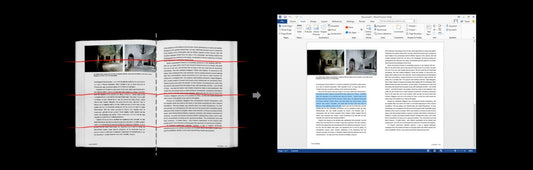
One more model worth mentioning. The IQ Flex is a flatbed scanner rather than a sheet-feed design. It scans documents that cannot be fed through a roller, including bound books, fragile or torn drawings, glass plates, and objects with surface depth. The IQ Flex bundle costs about $7,300 and is the right answer for archival workflows involving rare or fragile materials.
CIS vs. CCD: How to Decide
If you are comparing the IQ Quattro X to the HD Ultra X, the sensor type is the central question. We have written a longer technical comparison of CCD vs. CIS large-format scanners that covers the engineering differences, but the short version is this:
✅ CIS Scanners (SD One, IQ Quattro X)
Faster, more compact, more durable, and less expensive. Produce sharp, usable scans for documents and drawings. The trade-off is shallower depth of field and somewhat less accurate color rendition on complex images. For most AEC scanning work, CIS is the right answer.
🔬 CCD Scanners (HD Ultra X)
Use traditional lens optics for better focus across non-flat surfaces, a broader color range, and a higher dynamic range. The trade-off is more cost, more service complexity, and slower scan speeds. For archival and color-critical work, CCD is worth the premium.
If you are not sure which sensor type you need, CIS is usually enough.
What Else You Will Need
A scanner is part of a system, and a few accessories matter for getting it running:
Required for operating the scanner. The current version is NextImage 7. Most bundles include a license; check the configuration before you buy.
Contex scanners stream large image files in real time, so they need a reasonably fast PC. We sell a pre-loaded high-speed PC for Contex scanners that is tested for the workload, but you can use your own machine if it meets the specs.
Calibration sheets keep the scanner producing accurate output over time. Clear document carriers (transparent sleeves) protect fragile originals and allow you to scan documents that would otherwise jam the rollers.
Production scanners are sensitive to dirty power. A surge protector or power filter is cheap insurance on a $10,000+ machine.
Common Questions
Q: Are Contex scanners worth the price?
A: For organizations doing more than occasional large-format scanning, yes. The alternatives are either a service bureau (which gets expensive quickly at production volumes) or a lower-end scanner that produces visible quality compromises. The IQ Quattro X line, in particular, is engineered for years of daily use and holds up well in our service experience.
Q: How long do Contex scanners last?
A: Contex scanners are built for ten-plus years of service life with reasonable maintenance. Calibration drift is the most common issue over time and is correctable. Lamp life on CCD models is rated at several thousand hours.
Q: Do I need a service contract on a Contex scanner?
A: For SD One and lower-end IQ Quattro X configurations, a service contract is optional. For the HD Ultra X and ScanStation PRO bundles, an annual service plan is worth the cost because these bundles have higher calibration and color-accuracy requirements. TAVCO offers on-site service in Texas and remote support nationwide.
Q: Can a Contex scanner replace my old wide-format scanner?
A: Almost always, yes, and usually with a meaningful improvement in scan quality and speed. Older HP DesignJet, Oce, or Cruse scanners can be retired and replaced with a Contex equivalent without disrupting workflow. We help customers migrate scan profiles when needed.
Q: Does TAVCO sell Contex scanners outside Texas?
A: Yes. We ship Contex scanners across the United States and provide remote installation support and phone-based service for customers nationwide. Texas customers also receive on-site service in Austin, Dallas, Houston, San Antonio, Bryan-College Station, Corpus Christi, Victoria, and Waco.
Q: What scanning software comes with a Contex scanner?
A: All current models ship with NextImage 7. NextImage handles scanning, basic image editing, color correction, and file output to PDF, TIFF, JPEG, and other common formats.
Q: Is the IQ Quattro X the same as the older IQ Quattro?
A: The IQ Quattro X is the current generation. The older IQ Quattro is no longer in production. The X-series includes hardware and firmware updates over the previous generation, including a CIS sensor refresh and improved scan speed. If you have an older IQ Quattro, the X-series is a meaningful upgrade.
🔑 Key Takeaways
- Contex offers three current scanner families: the SD One for light use, the IQ Quattro X for daily AEC production, and the HD Ultra X for archival and color-critical work.
- Sensor type drives the highest price and quality difference: CIS scanners are faster and more affordable; CCD scanners deliver superior color accuracy and dynamic range.
- Most AEC firms doing daily drawing scans will find that the IQ Quattro X delivers everything they need at less than half the cost of the HD Ultra X.
- A complete scanning system includes NextImage 7 software, a compatible workstation, calibration sheets, document carriers, and power conditioning.
- TAVCO is an authorized Contex dealer with on-site service across Texas and remote support nationwide.
Ready to Find the Right Contex Scanner?
Browse the full Contex lineup at tavcotech.com or use the Large-Format Scanner Selector tool to find your match in five questions. A scanner specialist will respond within one business day.





0 comments